While modern solid-state window sensors are remarkably reliable, they are not entirely set-and-forget devices. They rely on chemical batteries, wireless RF communication, and physical adhesives—all of which degrade over time. Proactive maintenance is the difference between a secure home and a 3:00 AM false alarm.
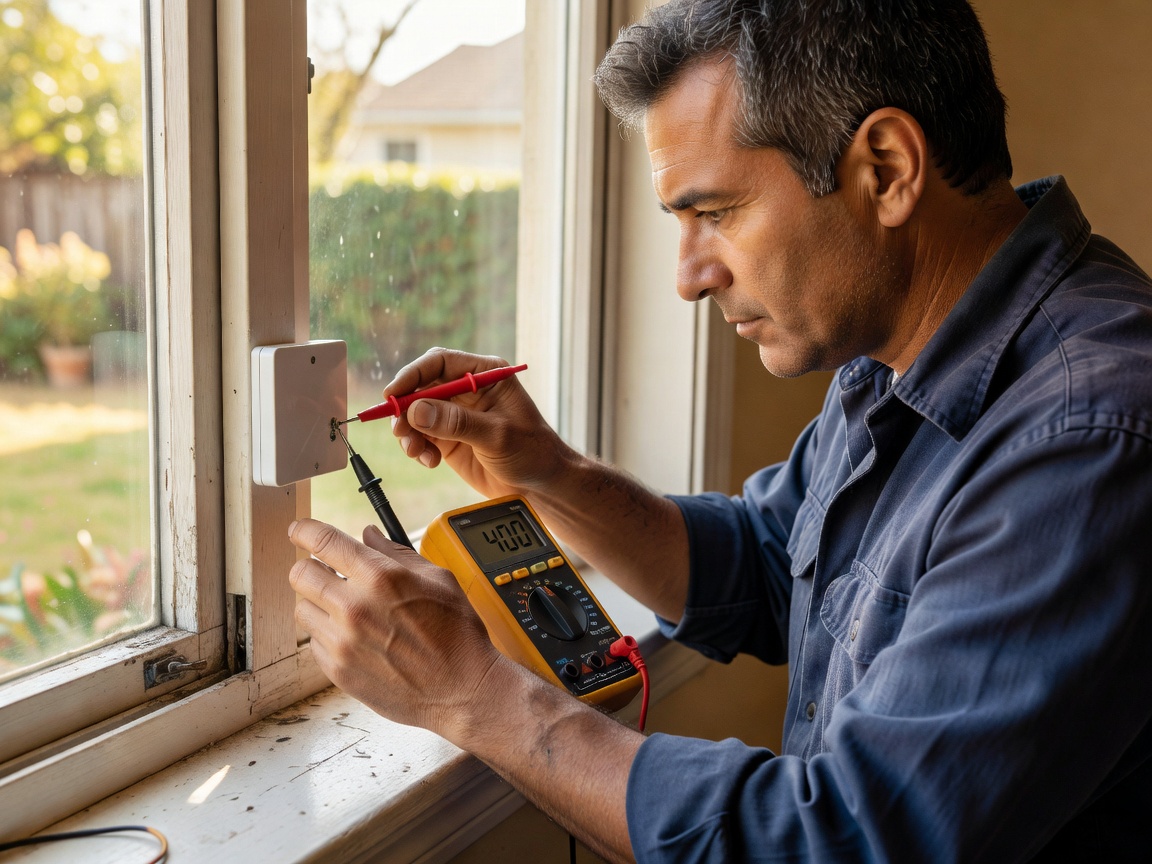
1. Resolving False Alarms
A false alarm from a magnetic contact sensor is almost always caused by physical misalignment rather than electronic failure. The magnetic field that holds the internal reed switch closed must remain stable.
- Thermal Expansion: Window frames (particularly vinyl and wood) swell in the summer humidity and shrink in the winter cold. If your sensor and magnet were installed at the absolute maximum edge of their gap tolerance, winter shrinkage might push them out of range. Solution: Reposition the magnet slightly closer to the main sensor body.
- Failing Adhesive: If the double-sided tape begins to peel, the sensor may sag. Even a sag of a few millimeters can break the magnetic connection. Solution: Remove the old tape with a solvent, clean the area, and reapply fresh, outdoor-rated VHB tape, or use screws.
- Drafts and Wind: Inolder homes, strong winds can cause the window sash to rattle inside the frame. If the play in the sash exceeds the sensor's tolerance, it will trigger an alarm. Solution: Add weatherstripping to the window track to prevent rattling.
2. Battery Replacement Best Practices
Most compact window sensors use lithium coin-cell batteries (such as CR2032 or CR2450) or small cylindrical batteries (like CR123A). While lithium batteries have excellent shelf lives, extreme temperatures (like a sensor mounted on a poorly insulated window frame in sub-zero weather) will drastically reduce their working capacity.
When replacing a battery, pay attention to the tamper switch. Many security-focused sensors have a small spring loaded button inside the casing. If you open the casing without putting your alarm panel into "Maintenance Mode," the tamper switch will instantly trigger a full-volume alarm.
3. Connectivity Dropouts ("Offline" Status)
If a sensor repeatedly drops off your network or fails to report state changes, the issue is usually environmental interference affecting the wireless signal.
| Protocol | Common Causes for Dropouts | Resolution Strategy |
|---|---|---|
| Wi-Fi (2.4GHz) | Router congestion, long distance to AP | Add a mesh node closer to the window. Check for IP conflicts. |
| Zigbee / Thread | Lack of routing nodes nearby | Add a hardwired smart plug (which acts as a repeater) halfway between the hub and the window. |
| Z-Wave | Network routing tables corrupted | Run a "Z-Wave Network Repair/Heal" command from your central hub to remap pathways. |
Remember that metal severely attenuates RF signals. If you have installed a sensor on an aluminum window frame, or behind a heavy metal security screen, the effective wireless range of the device may be cut by up to 70%. In these scenarios, employing robust mesh repeaters in the immediate vicinity is often mandatory.